The right interactive display
for every classroom
Compare Prowise, BenQ and Philips with an education specialist. Free advice, a demo at your school and installation by our team.
Classrooms are increasingly being equipped with audiovisual resources to promote interactive learning and create an engaging learning environment. Signpost offers you a diverse range of options to optimise the experience in your classrooms.
From your initial enquiry to a quote. Discover our interactive screens from Prowise, Philips & BenQ and easily compare screen size, technology, software and features.
Windows laptops & Chromebooks
Our devices are selected with the education sector in mind and designed for students who are always on the move.
Thanks to our strong partnerships with leading brands, we bring the latest innovations straight to you. Each device is equipped with eitherMicrosoft Windows 11 or aGoogle operating system.
1:1 Device Schemes
1:1 devices enable teachers to deliver more personalised and accessible learning whilst also helping to reduce their workload. Their implementation also offers an opportunity to reduce budget expenditure, as there is less demand for stationery and printing.
Carefully planned schemes, such as parental lease programmes, can help advance the school’s digital vision whilst also boosting your budget.
Flexible Payment Solutions
Our team specialises in delivering personalised learning experiences through 1:1 device programmes, thereby enhancing student engagement and learning outcomes.
On-site service
Enjoy uninterrupted learning with our comprehensive on-site service. With no hidden costs, our all-inclusive price covers service and warranty for the agreed period.
CPD
At Fourcast Academy (part of Signpost), we specialise in empowering senior leadership teams, teachers and ICT coordinators by enhancing their digital skills.
Our approach combines technical expertise with pedagogical skills. As your long-term partner, we provide ongoing support to schools and educators to enhance their digital capabilities.
Discover new, comprehensive training opportunities at Fourcast Academy now to unlock the full potential of digital education.
Which screen is right for your school?
I want an all-rounder
for every class
Our teachers write a lot
Our school uses Windows
I’m looking for screens for corridors and reception areas
It’s as simple as that
Free advice
We’ll take a look at your classrooms, your system and your budget.
Demo
You can test the screen on site at one of our events.
Delivery and installation
Mounting on a wall or on a mobile stand.
Training and support
Getting teachers up and running,
on-site support.
Grades, pupil data and personal accounts are displayed on a classroom screen. Prowise develops its own secure core software in Budel, specifically for the education sector, and delivers updates via European servers. Built-in security features prevent sensitive information from remaining on screen or being shared unintentionally.
- Secure for school data: proprietary core software and updates via European servers.
- Prowise’sown management platform: Prowise Screen Control on every screen; for the Prowise Max, also via Intune.
- Fits into your environment: Google (EDLA), Android or Windows 11 Pro/Education.
- Peace of mind: 5-year warranty with on-site service; optionally 10 years for the Ultra.
- Lower energy consumption: the Ten G5 uses up to 20 per cent less energy.
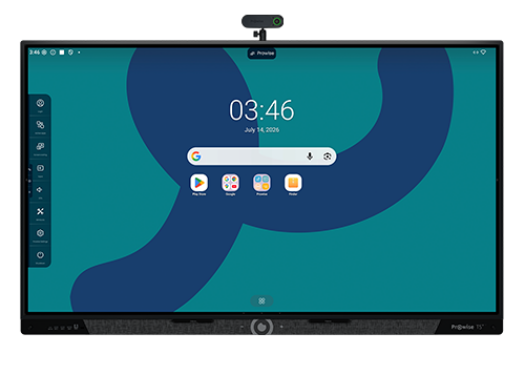
Prowise Ten G5 – All-rounder
- Sizes: 55", 65", 75", 86", 98"
- Operating system: Google EDLA • Android 16
- Bonding: Optical bonding
- Touch technology: Infrared • 60 points
- Memory / storage: 8 GB / 64 GB
- USB-C: 2× full-function
- Audio / microphones: 2.1 audio • 8 wide-area mics
- Screencasting: Up to 30 devices
- Management: Prowise Screen Control
- Power: Up to 20% lower power consumption
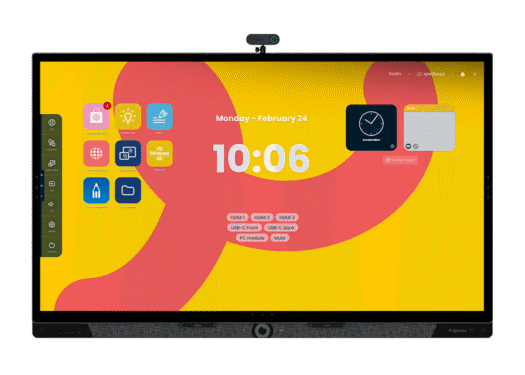
Prowise Ultra – Premium writing
- Sizes: 55", 65", 75", 86"
- Operating system: Central • Android 13
- Bonding: Optical bonding
- Touch technology: PCAP
- Memory / storage: 8 GB / 64 GB
- USB-C: 100 W docking
- Audio: 2.1 soundbar + subwoofer
- Display: 4K • 178° viewing angle
- Glass: Nano-textured • antibacterial
- Warranty: 5 years • optional 10 years
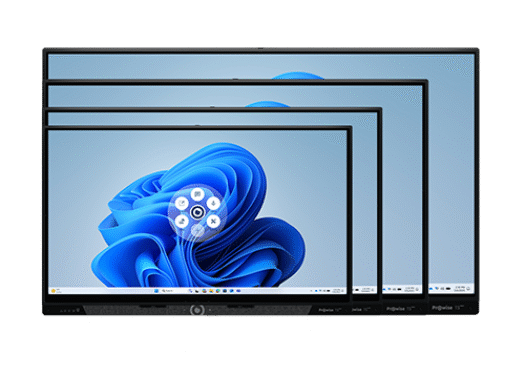
Prowise Max – The Power of Windows
- 16:9 aspect ratios: 65", 75", 86", 98"
- 21:9 sizes: 92" and 105"
- Operating system: Windows 11 Pro / Education
- CPU options: Intel i3 / i5 / i7 vPro / i9
- Memory: 16 to 32 GB • up to 96 GB
- Storage: 256 / 512 GB • up to 2 TB
- Wi-Fi: Wi-Fi 6E or 7
- Touch technology: IR • 50 touch points
- Pens: 2 or 4 • dual-tip
- Management: Screen Control / Intune
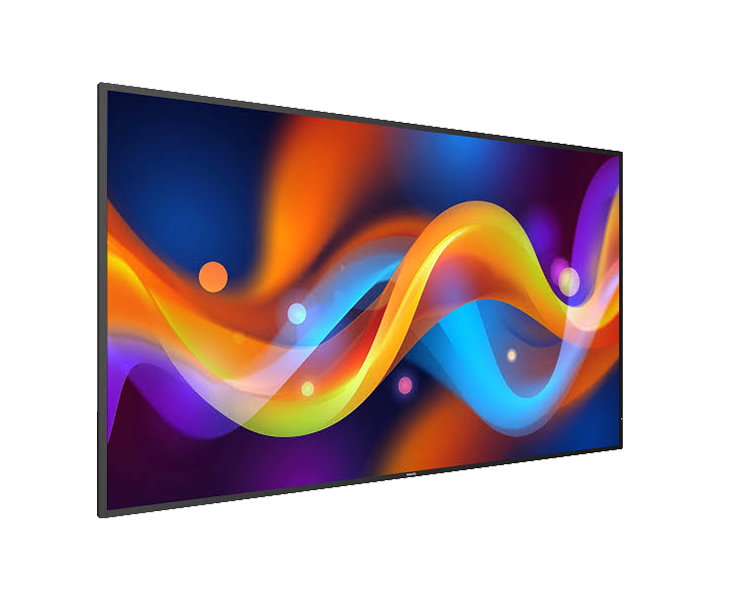
Would you like to equip not only the classrooms but also the corridors, reception and information points? Philips Professional Displays covers all this with a single product range and a single management tool, so you don’t have to work with different systems.
- Centralised management with Philips Wave: carry out updates, adjust settings, schedule screens and block functions.
- Designed for continuous use: signage displays that can run 24/7.
- A screen for every application: signage for school communications, interactive panels for the classroom, touch displays for reception areas and wayfinding.
- Wide choice of sizes: from 32" to 98".
Philips Signage 2050 – A-Line
- Sizes: 43", 50", 55", 65", 75", 86"
- Usage: 24/7
- Brightness: 500 cd/m² (nits)
- Haze / anti-reflection: Pro-Haze filter
- Wi-Fi & Bluetooth: Optional with CRD22 module
- Audio / speakers: Built-in speakers
- Operating system & memory: Android 16 • 3 GB RAM / 16 GB storage
Philips Signage 4150 - Q-Line
- Sizes: 43", 50", 55", 65", 75", 86"
- Usage: 24/7
- Brightness: 500 cd/m² (nits)
- Haze / anti-reflection: Pro-Haze filter
- Wi-Fi & Bluetooth: Optional with CRD22 module
- Audio / speakers: Built-in speakers
- Operating system & memory: Android 16 • 3 GB RAM / 16 GB storage
Philips Signage 5050 - D-Line
- Sizes: 32", 43", 50", 55", 65", 75", 86", 98"
- Usage: 24/7
- Brightness: 500–600 cd/m² (nits)
- Haze / anti-reflection: High haze • excellent anti-reflection
- Wi-Fi & Bluetooth: Built-in
- Audio / speakers: Built-in speakers
- Operating system & memory: Android 14 • 4 GB RAM / 32 GB storage
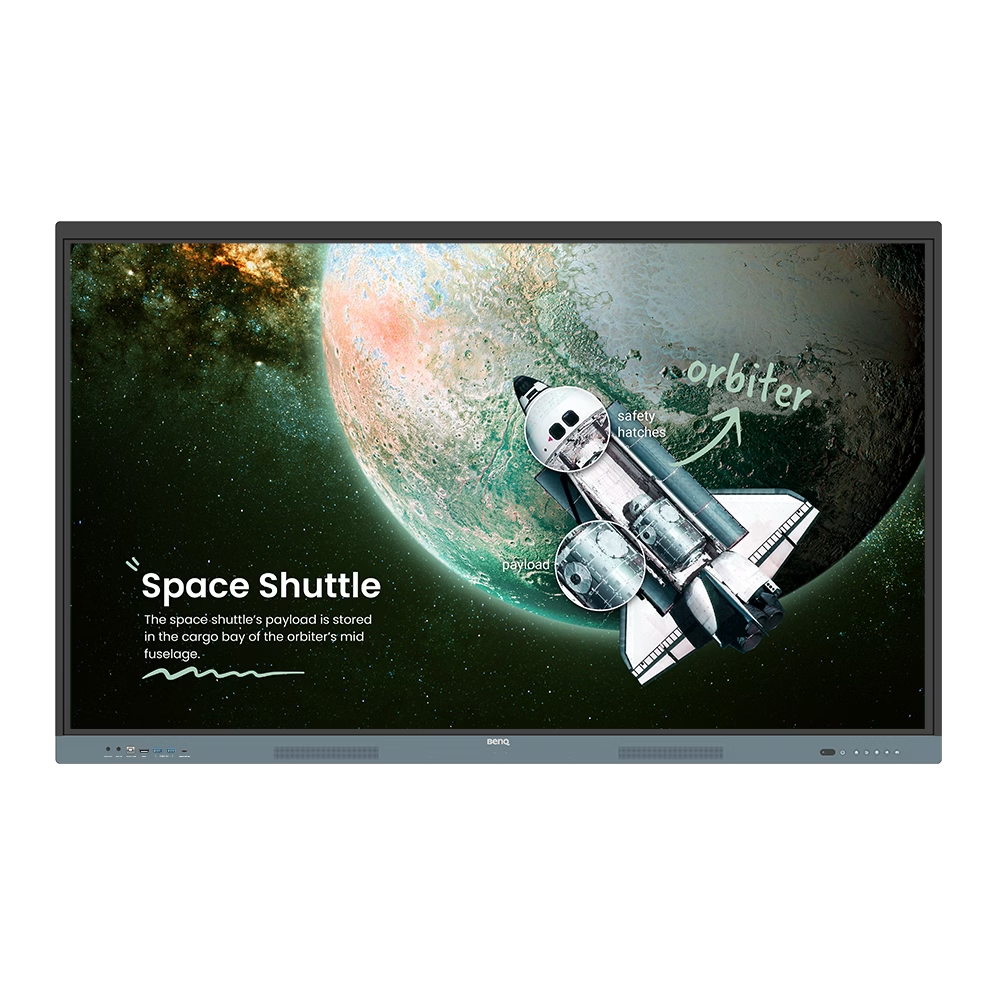
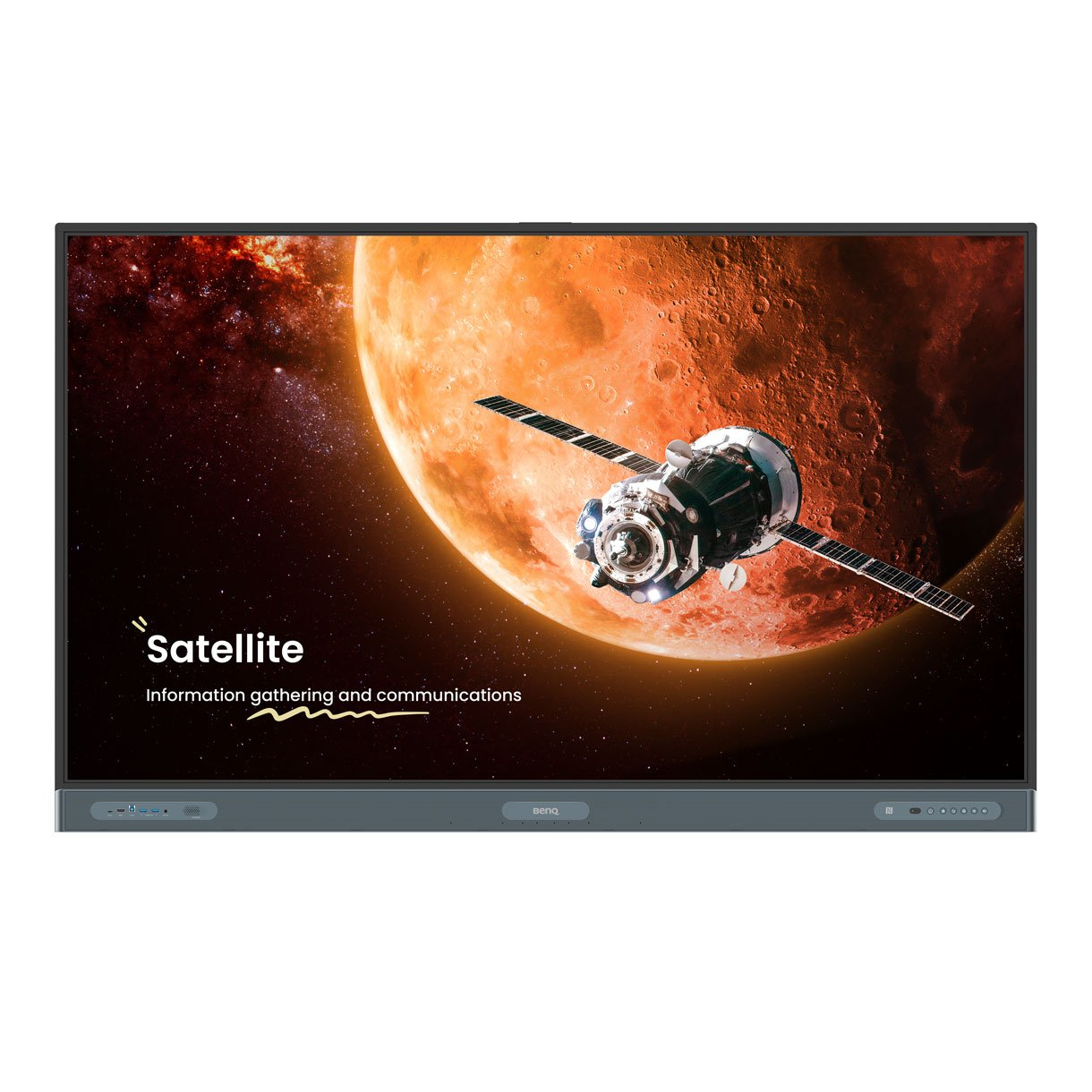
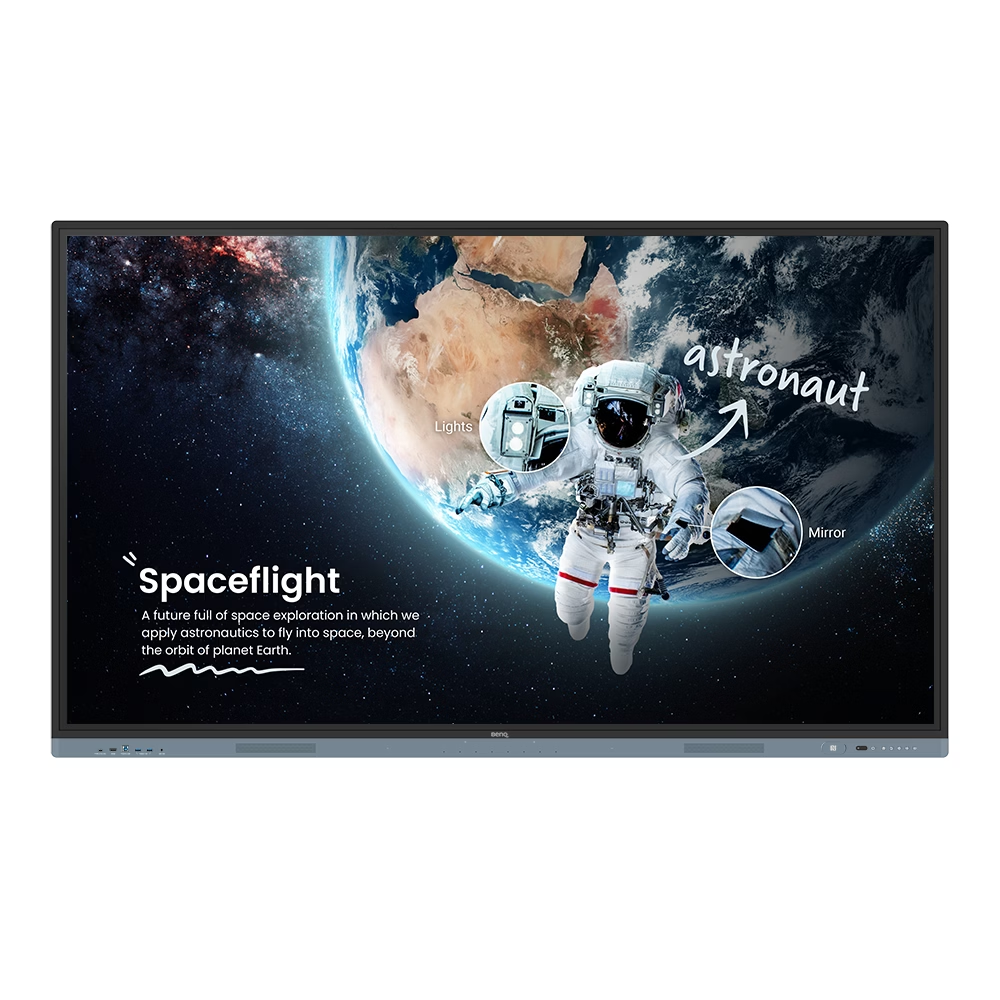
BenQ Board: Google-certified and centrally managed
The BenQ Board is EDLA-certified, so it comes with Google Play and the familiar Google apps. You can manage screens and users in one place via centralised device management and directory synchronisation.
- Management: device management with directory synchronisation.
- One specification in three sizes: 65", 75" and 86", each with 4K resolution, 8 GB / 128 GB storage and Wi-Fi 6. This simplifies roll-out and support.
- Healthy in the classroom: ClassroomCare for eye comfort and hygiene, with germ-resistant glass.
- Smooth presenting: wireless sharing, 8-microphone array and NFC.
BenQ Board 6504 – Master & Essential
- Sizes: 65"
- Operating system: Android 13 • EDLA
- Resolution: 4K UHD
- Touch technology: High Precision IR • up to 40 touch points
- Memory / storage: 8 GB / 128 GB
- Audio / microphones: 2× 20 W • 8-microphone array
- Connectivity: Wi-Fi 6 • Bluetooth 5.2 • NFC
- Display / brightness: IPS • 450 nits
- Glass / protection: 9H tempered • anti-reflective • germ-resistant
- Management: Device management • directory synchronisation
BenQ Board 7504 – Master & Essential
- Sizes: 75"
- Operating system: Android 13 • EDLA
- Resolution: 4K UHD
- Touch technology: High Precision IR • up to 40 touch points
- Memory / storage: 8 GB / 128 GB
- Audio / microphones: 2× 20 W • 8-microphone array
- Connectivity: Wi-Fi 6 • Bluetooth 5.2 • NFC
- Display / brightness: IPS • 450 nits
- Glass / protection: 9H tempered • anti-reflective • germ-resistant
- Management: Device management • directory synchronisation
BenQ Board 8604 - Master & Essential
- Sizes: 86"
- Operating system: Android 13 • EDLA
- Resolution: 4K UHD
- Touch technology: High Precision IR • up to 40 touch points
- Memory / storage: 8 GB / 128 GB
- Audio / microphones: 2× 20 W • 8-microphone array
- Connectivity: Wi-Fi 6 • Bluetooth 5.2 • NFC
- Display / brightness: IPS • 450 nits
- Glass / protection: 9H tempered • anti-reflective • germ-resistant
- Management: Device management • directory synchronisation
Why do schools choose interactive screens?
Centralised remote management
Manage all screens from a single location: carry out updates, adjust settings and block functions, without having to visit each site individually.
Easy to use
The screen works with a touch or a stylus, just like a tablet. Teachers can get to grips with it quickly, without the need for extensive training.
Lasts longer than a projector
On average, a screen lasts 6 to 10 years, whilst a projector lasts 3 to 5 years. So you don’t need to replace it as often.
Works independently
Teachers save their work directly on the screen or link it to Google Drive or Microsoft OneDrive, without needing a separate computer.
A clear view right to the back
No problems with glare: even pupils at the back of the classroom can see the board clearly.
Pupils take an active part
Several pupils can work on the screen at the same time and share their own devices wirelessly.
Request free advice or a demo.
Need help choosing the right interactive display?
Every school has different needs. Would you like to know which interactive display best suits your classrooms, digital learning environment and budget? Our specialists will be happy to help you compare the various solutions.
Simplify ICT and hardware management
Do you want to drive revenue, reduce costs, enhance learning and make it more accesible?
.png?width=621&height=217&name=Academic%20Hardware%20website%20logo%20(part%20of%20Signpost).png)